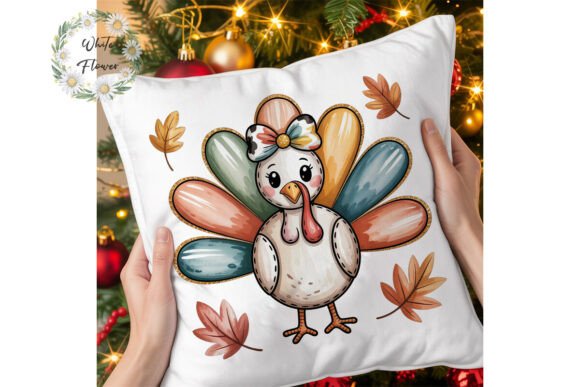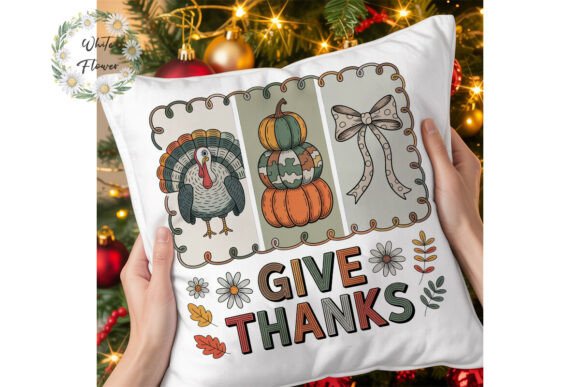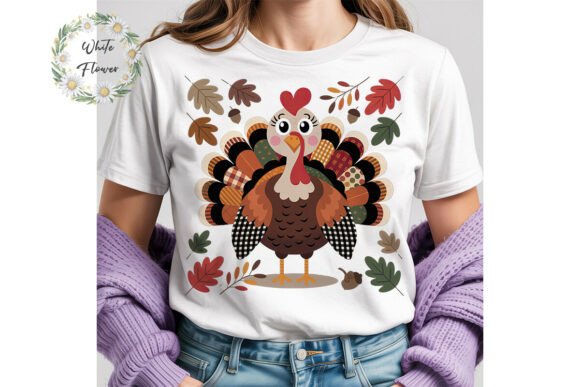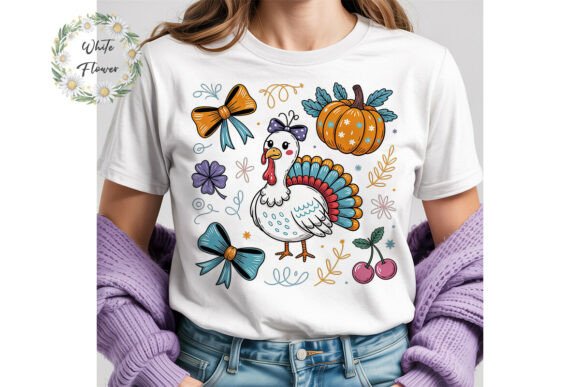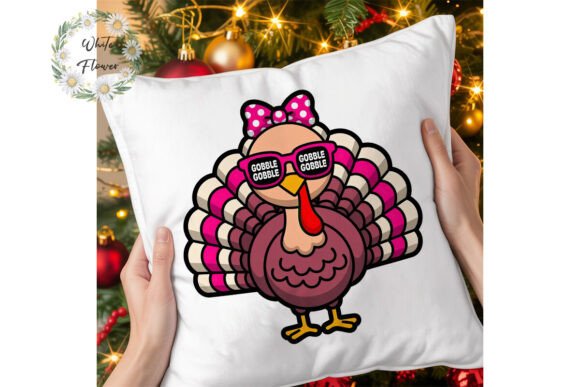
Cool Turkey Thanksgiving PNG Clipart
Imagine having a single, high-quality turkey illustration that works as hard as you do—whether you're designing a boutique greeting card, launching a seasonal merch line, or preparing a classroom activity for Thanksgiving week. That’s exactly what the Cool Turkey Thanksgiving PNG Clipart delivers: one versatile, 300 dpi file with a transparent background, sized at 4500 pixels (15 inches on the longest side), ready to drop into any project without resizing stress or quality loss.
What makes it “cool” isn’t just the name—it’s the balance of personality and professionalism. The design avoids cartoonish exaggeration while still carrying warmth, character, and subtle festive charm. It’s not overly rustic, not hyper-modern—it sits comfortably in the middle, giving you room to steer the tone. And because it arrives as a single PNG on a transparent background, there’s no clipping mask needed, no background removal step, no guesswork about compatibility. Just open, place, and build.
Why This Clipart Fits Real Creative Workflows
Designers and small business owners often juggle tight deadlines, limited budgets, and the need for consistency across formats—print, web, social, and product. This clipart meets those needs head-on. Its 300 dpi resolution ensures crisp results whether printed on an 8.5" × 11" flyer or scaled down for an Instagram Story highlight icon. The transparent background means it layers cleanly over photos, textures, gradients, or solid colors—no awkward white boxes marring your layout.
Because commercial use is fully allowed—and encouraged—you’re not just buying a decoration. You’re acquiring a flexible asset. Use it as a foundational element in your original designs: combine it with hand-lettered typography for a farmers’ market banner, pair it with watercolor splashes for a printable planner sticker, or integrate it into a custom SVG cut file for heat-transfer vinyl projects.
Creative Applications Across Audiences
For educators and homeschoolers: Print the turkey at various sizes to create interactive learning tools—flashcards for vocabulary building (“grateful,” “harvest,” “community”), sequencing cards for storytelling, or cut-and-paste crafts that reinforce fine motor skills. Since the file is editable, you can add simple labels directly in Canva or Illustrator before printing.
For POD sellers and craft entrepreneurs: This clipart shines when modified thoughtfully. Add a vintage halftone overlay for retro apparel designs. Flip and duplicate it to form a symmetrical border for mug mockups. Combine it with your own illustrated pumpkins or acorns to build a cohesive seasonal bundle—then list the final composition (not the raw file) on Etsy, Redbubble, or Printful.
For marketers and content creators: Seasonal email headers, blog post graphics, and social media carousels gain visual cohesion when anchored by a consistent motif. Use the turkey as a subtle watermark behind text overlays, or animate it simply—fade-in + gentle scale—for a 5-second Reel intro. Its clean lines hold up well even at small sizes, making it effective for thumbnail icons or Pinterest pins.
For bloggers and newsletter writers: Embed the image in a seasonal roundup (“5 Low-Stress Thanksgiving Hosting Tips”) not as decoration alone, but as visual punctuation—e.g., beside a bullet point about gratitude journaling or local food drives. Because it’s transparent and high-res, it won’t blur on retina displays or appear pixelated in desktop email clients.
How to Customize Without Compromising Quality
You don’t need advanced software to make this clipart your own. In free tools like Canva or Photopea, try these practical tweaks:
- Color-shift the turkey using hue/saturation adjustments—turn it warm amber for fall palettes, deep navy for modern minimalism, or muted sage for eco-conscious brands.
- Add texture overlays—a light grain, linen scan, or subtle noise layer—to give digital designs tactile depth before printing.
- Isolate and recombine elements: Use selection tools to extract just the turkey’s feathers or beak, then layer them with other seasonal icons (a wheat stalk, a pie slice) to build custom illustrations.
- Convert to vector paths (in Illustrator or Inkscape) if you need scalable versions for signage or embroidery digitizing—just trace the outlines carefully and refine anchor points.
The key is keeping modifications intentional—not just changing color for change’s sake, but aligning each edit with your audience’s expectations. A teacher might soften edges and add rounded corners for child-friendly materials; a luxury gift brand might simplify further—removing minor details, tightening line weight, and pairing it only with serif type and ample white space.
Staying Within Usage Guidelines—Responsibly and Strategically
This clipart comes with clear, straightforward permissions: you may use it commercially, in printed products, and in print-on-demand items—as long as it’s part of an original, modified design. What that means in practice is simple: don’t upload the raw PNG to your store as a standalone download. Instead, embed it meaningfully—on a T-shirt with your slogan, inside a workbook layout, layered into a holiday-themed Canva template you sell.
This protects both you and the creator. It ensures your offerings stand out as uniquely yours, not generic stock filler. It also respects the time and skill invested in crafting a file that balances detail, clarity, and adaptability. When you modify thoughtfully—adding value through layout, typography, context, or function—you’re not just complying with terms—you’re practicing good creative citizenship.
If something goes wrong with your download—a broken link, corrupted file, or confusion about usage—reach out. Real people respond. No bots, no ticket queues. Just direct support, because creative work shouldn’t stall over technical hiccups.
And if this clipart helps you ship a better project, save time on a deadline, or spark a new idea—consider leaving a review. It takes 30 seconds, and it supports small creators who prioritize usefulness over flash. That kind of feedback shapes what gets made next: more thoughtful assets, clearer documentation, and tools built for how people actually work—not how algorithms assume they should.